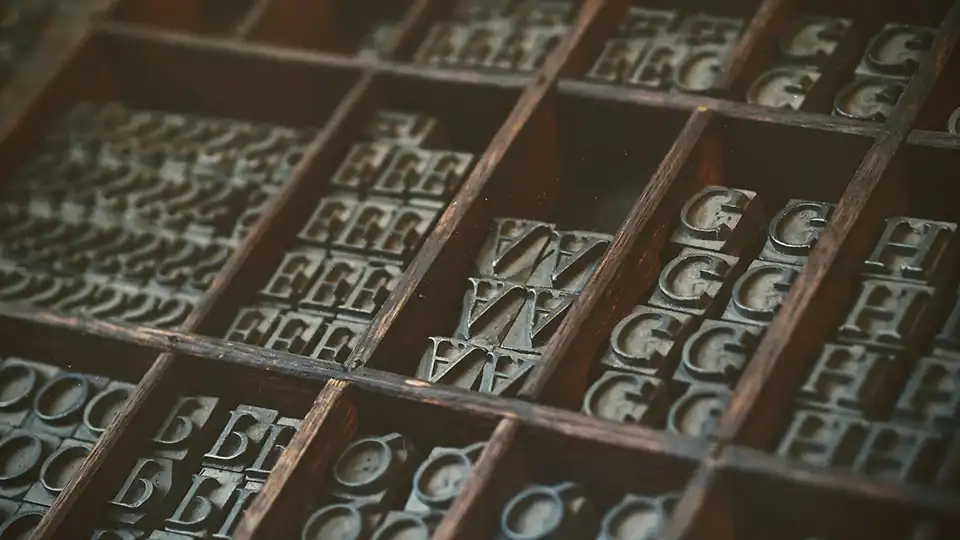
Photos for the website: Good images are still the gold standard, even in the age of AI.
29. April 2026
AI can now write texts, create layouts, and generate code. But when it comes to images, it still encounters clear limitations…
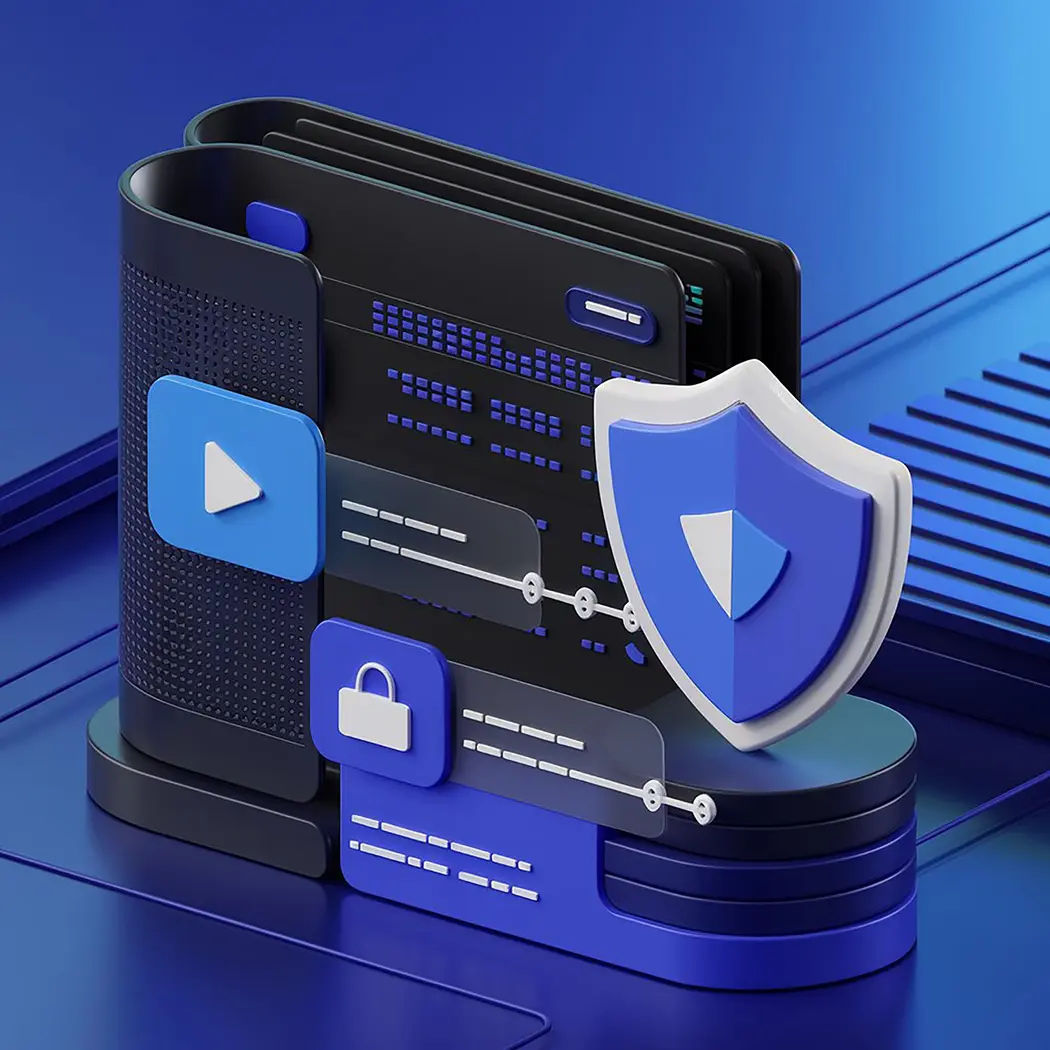
WordPress websites are the target of thousands of attacks every day. The platform is popular – but that's precisely what makes it a target. Without targeted security measures, a website can quickly become a security vulnerability. Therefore, using security plugins is no longer optional, but essential.
A firewall plugin protects your website from unauthorized access – even before it reaches your server. It monitors incoming traffic and automatically blocks suspicious requests, for example, through geoblocking rules or IP address blocking. This is particularly effective against brute-force attacks, which aim to automatically guess passwords.
A malware scanner continuously checks all WordPress code and files on your site. Its goal is to detect and remove malicious software (malware), suspicious files, or modified code before it can cause damage. Good plugins can even detect hidden malicious code within themes or plugins.
Furthermore, many malware plugins also offer protection against spam, especially in comments and forms. This effectively blocks automated spam comments and mass contact form submissions by bots – an often underestimated but very important aspect of website security.
Both types of plugins complement each other – and should ideally be used together:
| Safety measure | Protection from… |
|---|---|
| Firewall-Plugin | External attacks, login attempts, bot access |
| Malware-Scanner | Infected files, hidden malicious code, spam protection for comments & forms |
The following security overview shows, as an example, the attack statistics of three customer websites in just 7 days.

This shows that it is constantly under attack. But with the right protection, the damage remains at zero.
If your site is already affected, act quickly.
We will professionally help you clean up and secure your website.
How can you tell if your website has been hacked?
Typical signs include, for example:
In Switzerland, most hosting providers actively inform their customers if there is a suspicion of malicious code or abuse – for example, by sending an email notification or even by temporarily blocking the affected site.
If you notice such abnormalities, don't hesitate – every hour counts.
➡ Click here to go to our help and support section
If you have a maintenance contract with us, the protection is already included:
Firewall, malware scanner, security updates and monitoring – everything runs automatically in the background.
Together on a path to success