AI-generated websites: How artificial intelligence is redefining the web presence for SMEs
10. April 2026
We did it. As an agency, we worked with our first client to create a fully AI-powered website, and that…
AI can now write texts, create layouts, and generate code. But when it comes to images, it still reaches its limits. Why your own photos will remain invaluable for your website for a long time to come, and how you can achieve great results even without a photographer.
Anyone who has dealt with AI in recent years knows: The progress is enormous. Texts, designs, entire websites can now be implemented faster and more efficiently with AI support than ever before.
But when it comes to authentic photos for websites, the situation is different.
AI-generated images often look impressive at first glance. But upon closer inspection, it quickly becomes apparent that something is missing. The images appear generic, interchangeable, sometimes even slightly unreal. And above all, they don't show what a website should actually show: you, your team, your products, your daily work.
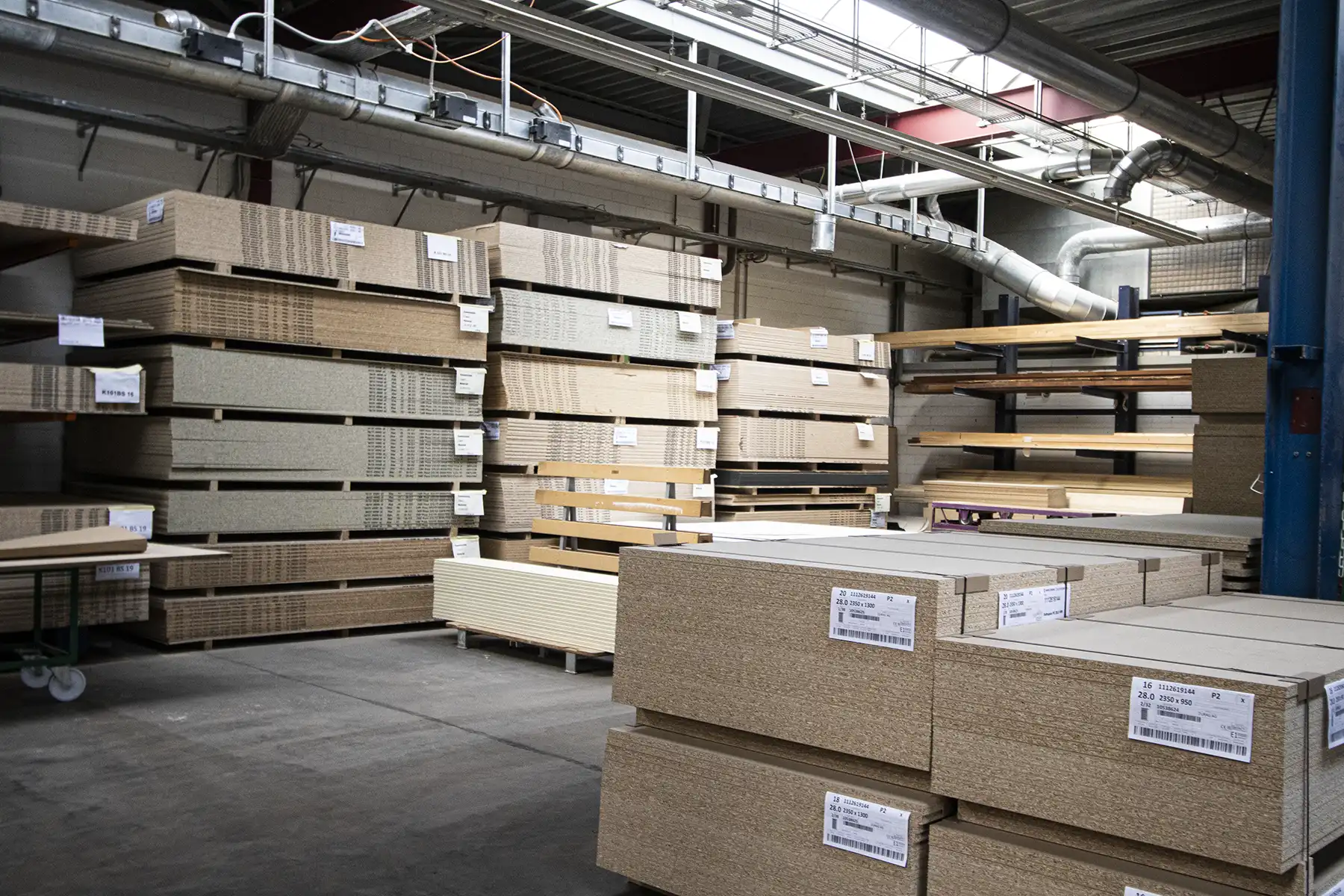
Even the automatic search for suitable stock photos doesn't work very well yet. Anyone who has ever tried to find a suitable image for a Swiss SME that matches the branding, colors, and content of the website knows how time-consuming this is. AI can help, but it doesn't eliminate the work.
There is a simple reason why photographers will not disappear despite AI: trust.
People buy from people. They want to see who they're dealing with. A real photo of the team, the store, or the product creates a connection that no generated image can replace.
Furthermore, search engines and social media favor authentic content. A photo that was actually taken at your business tells a story, and that's noticeable.
Professional photography therefore remains one of the best investments a company can make for its online presence. Those who have the budget should use it.
The reality for many SMEs and self-employed people is this: The product is difficult to photograph, the budget for a professional is lacking, and the time and skills to take good pictures themselves are limited.
This is not an isolated case. This is everyday life for a large proportion of small businesses in Switzerland.
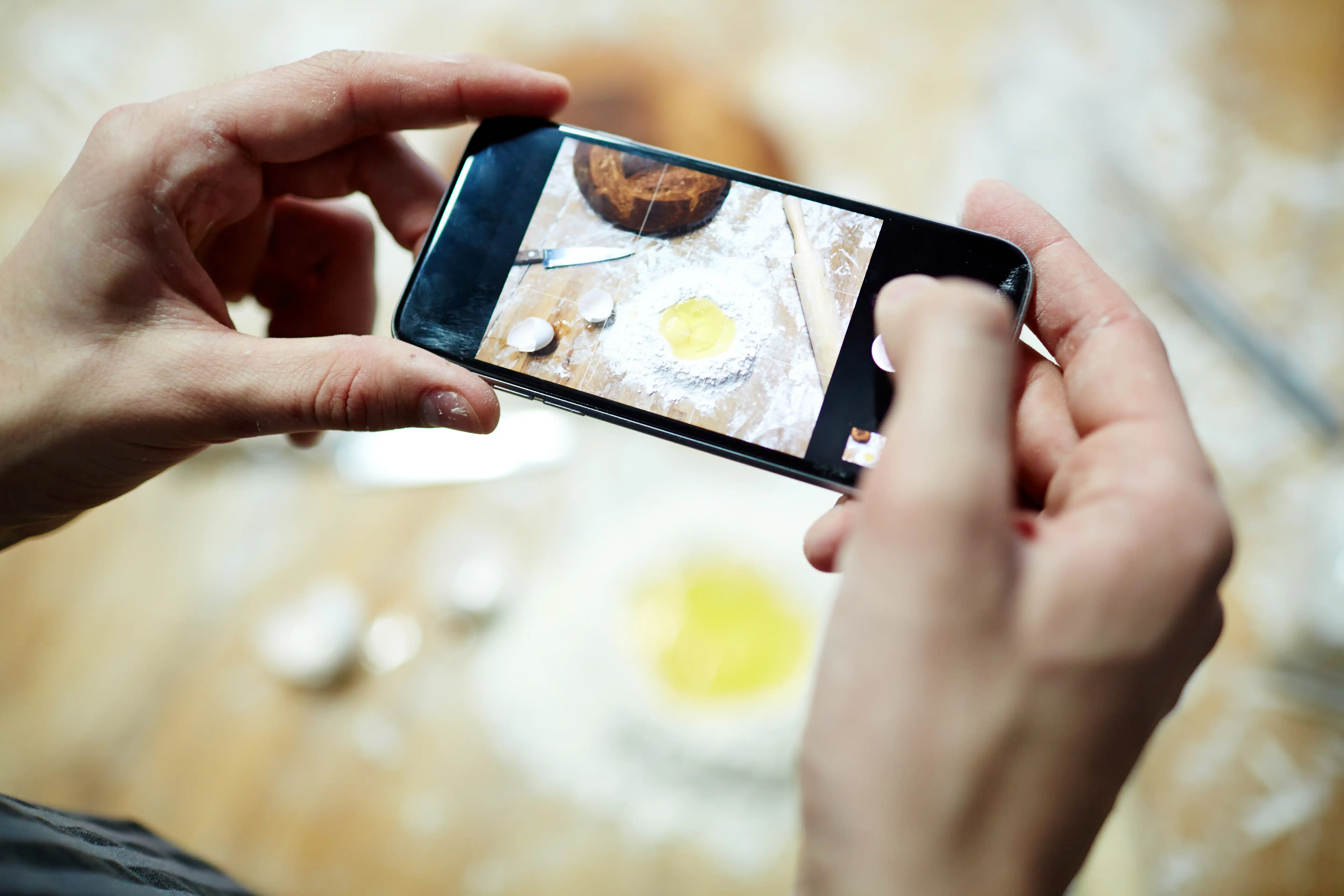
And here's the good news: Smartphones have significantly lowered the bar.
The camera most of us carry around delivers image quality today that would have required professional equipment ten years ago. You don't have to be a photographer to take usable, even really good, pictures with it. You just need to know a few basic things.
In practice, I repeatedly see the same problems with self-made photos:
Light is underestimated. The biggest difference between a bad and a good photo is almost always the lighting. Ceiling lights make photos flat and yellowish. Direct midday sun creates harsh shadows. The solution is simple: a large window, an overcast day, or the golden hour shortly after sunrise or before sunset.
The subject is incorrectly positioned in the image. By always placing the main subject in the center and leaving sufficient margin, you give the web designer the option to crop the image for different formats later: landscape for desktop, portrait for smartphones, and square for social media.
The background is cluttered. A coffee cup, a cable, a bag in the background distracts the eye and looks unprofessional. Two minutes of tidying up before the photo makes a huge difference.
There's not enough variety. Many people take three photos from the same angle and are then disappointed. Try out many perspectives – from above, from the side, close-up and from a distance – and then choose.
Start small, but start. A few good photos are better than none at all, and significantly better than bad stock photos that no one associates with your company.
For anyone who wants to take matters into their own hands, I've put together a free cheat sheet. It shows, on a single page, what's important when taking photos for a website, from exposure and the right composition to a quick checklist before pressing the shutter.
Download the free cheat sheet: «Photos for your website»
Do you have any questions about photos and the website? Feel free to contact me.
Step 1: Write to us!