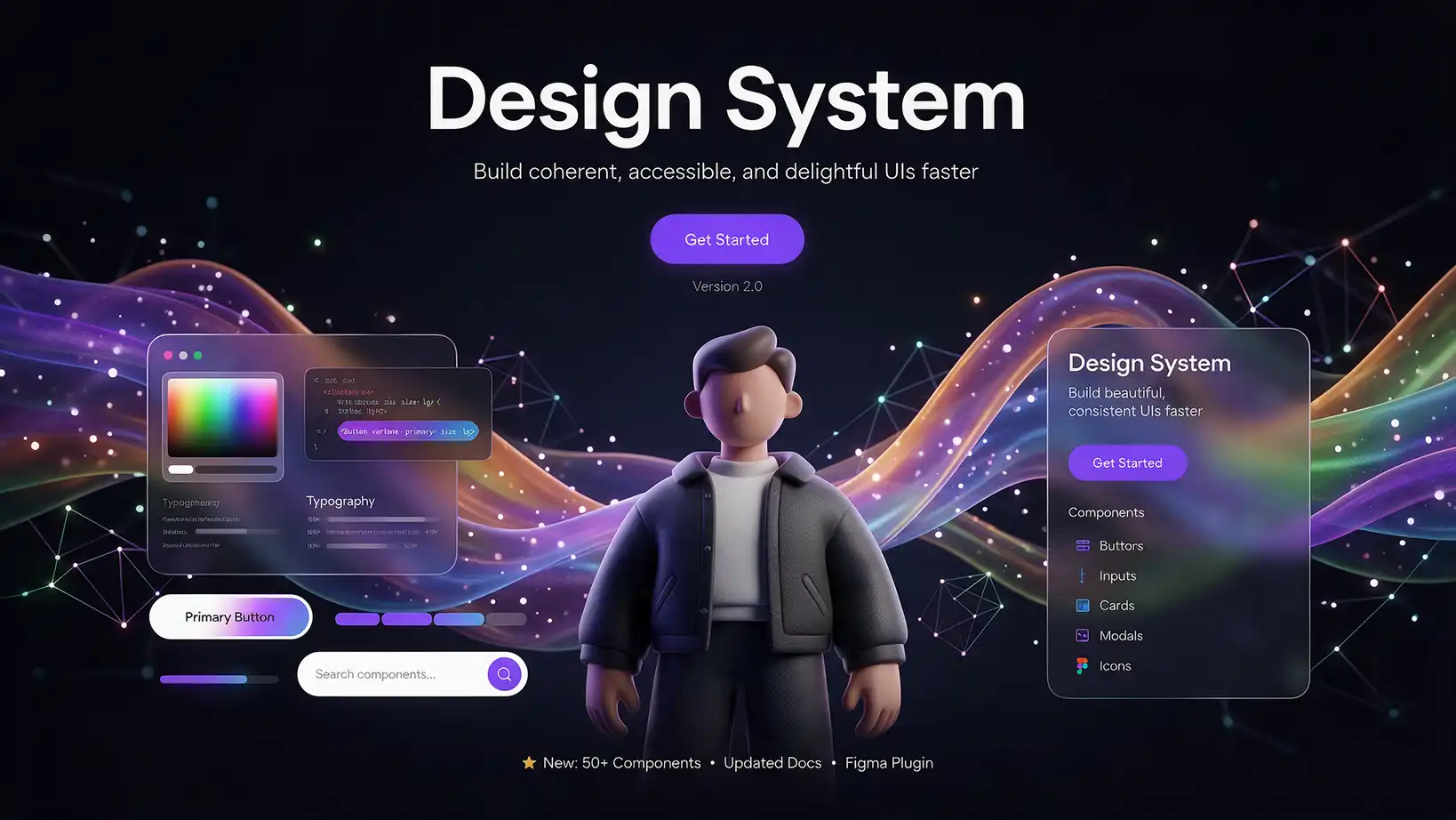
AI-generated websites: How artificial intelligence is redefining the web presence for SMEs
10. April 2026
We did it. As an agency, we worked with our first client to create a fully AI-powered website, and that…
Scalable Vector Graphics (SVG for short) is the World Wide Web Consortium's (W3C) recommended specification for describing two-dimensional vector graphics. SVG, which is based on XML, was first published in September 2001. Virtually all major web browsers can display most of its features.
A key advantage of the SVG format over other graphic formats such as JPG, PNG or TIFF is – especially in responsive web design – its scalability without loss of quality.
But unlike other image formats such as JPG, PNG, or similar, you can't simply right-click and select "Save image as". (Except for Safari on Apple devices).
This tool provides a solution:
http://nytimes.github.io/svg-crowbar/
Simply drag the green SVG Crowbar 2 "button" into the toolbar and go to the website where you want to save the file. Then click on the bookmark and you can select which SVG file to save.
Step 1: Write to us!